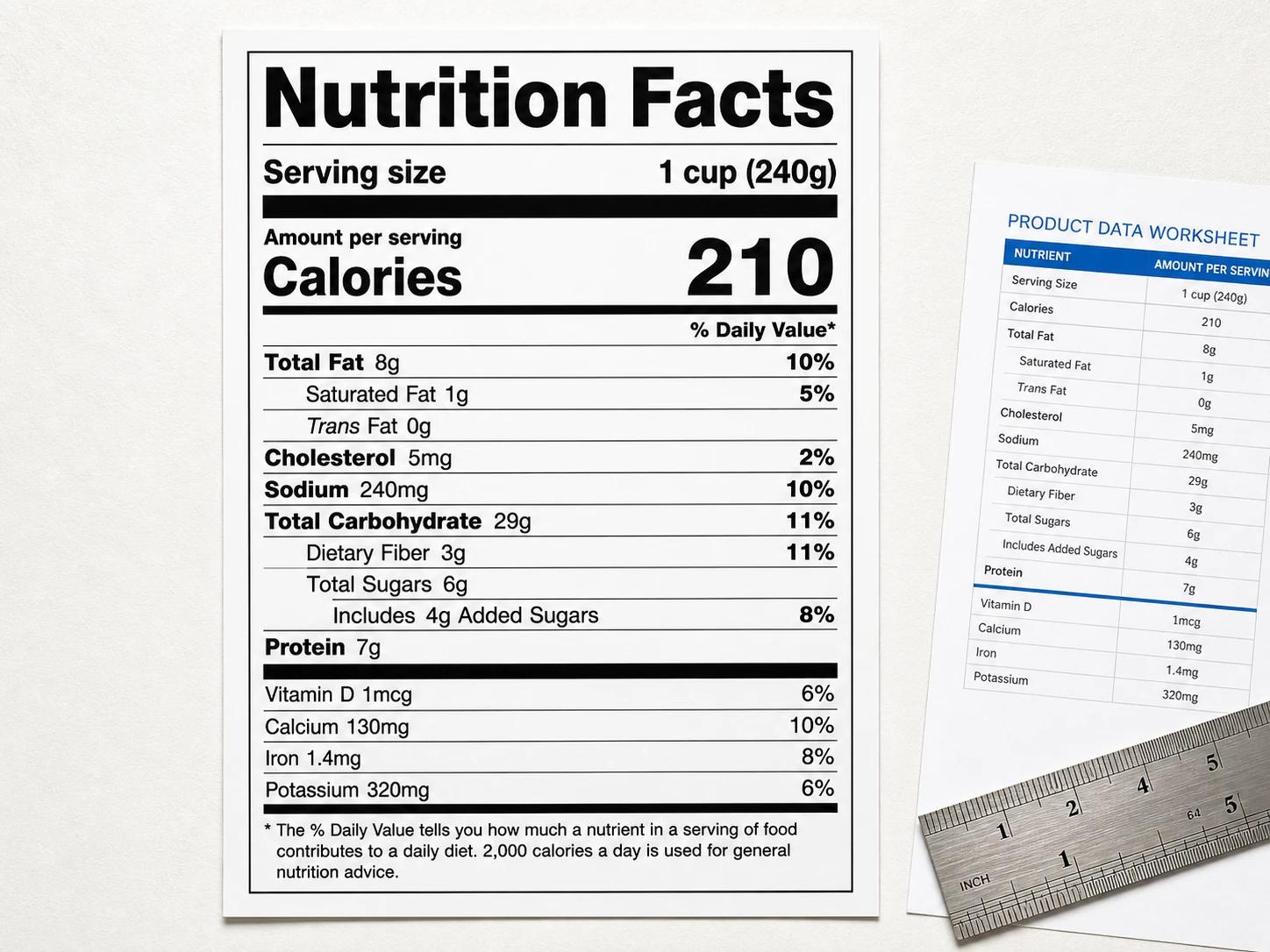
 Product information → label
Tool 01 · Create
Free Nutrition Label Maker
Turn nutrition and ingredient information into a first label preview for the market you select.
Provide: product data → Get: a label preview
Make a nutrition label ↗Free tools for packaging teams
Design product labels, create nutrition panels and sales copy, check packaging compliance, preflight PDFs, compare proofs, generate barcodes and annotate files — without buying another tool.
Start every tool free. No credit card or installation required.Comparable software for these jobs can cost US$1,500+ a year.
Start here
What are you trying to finish?11 focused packaging tools. Bring one input, complete one job, and leave with something useful.
Product information → labelTurn nutrition and ingredient information into a first label preview for the market you select.
Provide: product data → Get: a label preview
Make a nutrition label ↗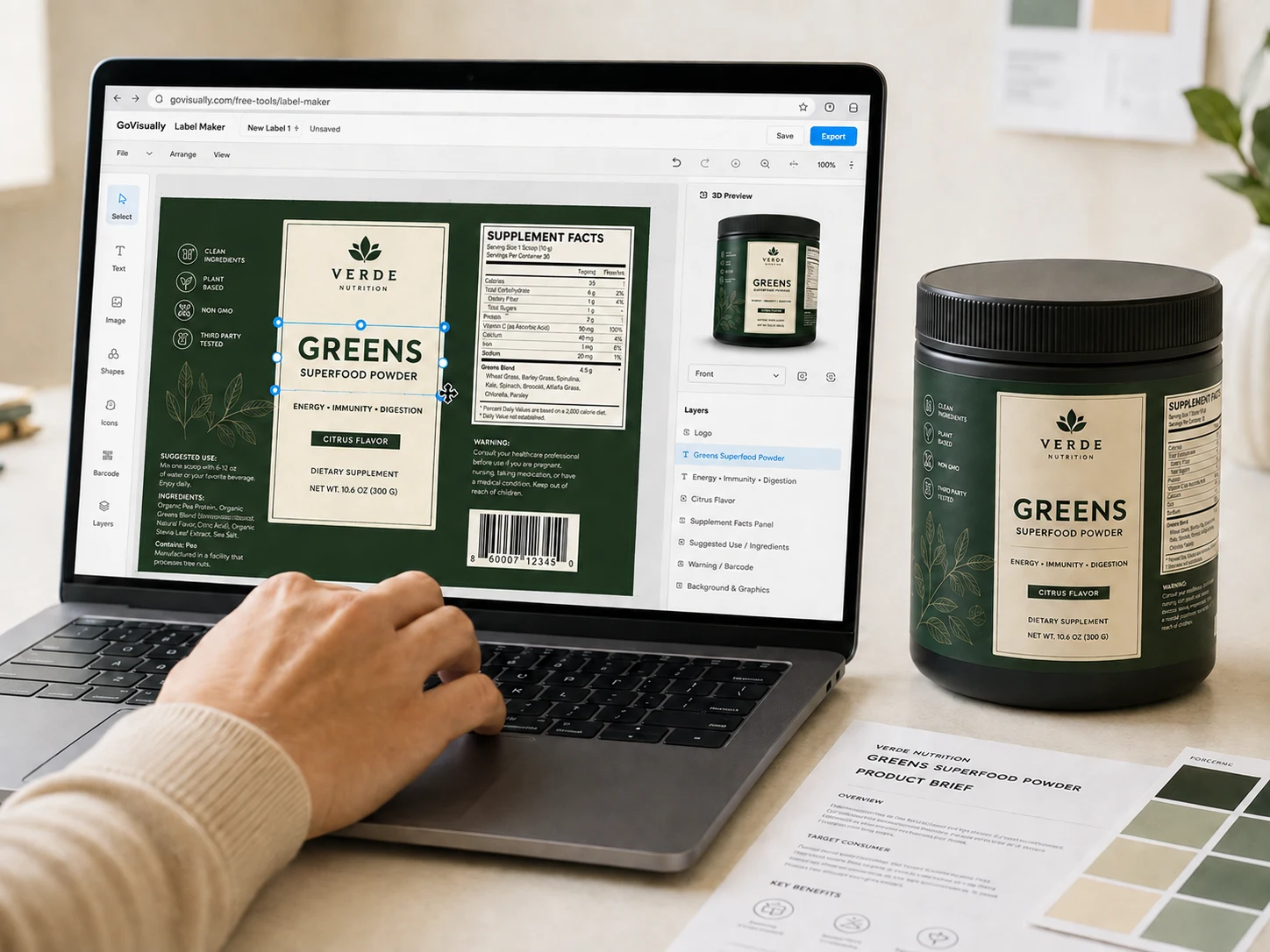 Product brief → editable label + 3D pack
Turn a product brief into an editable label layout, check the required content and preview it on a 3D pack.
Provide: product details → Get: a label layout + brief
Build a product label ↗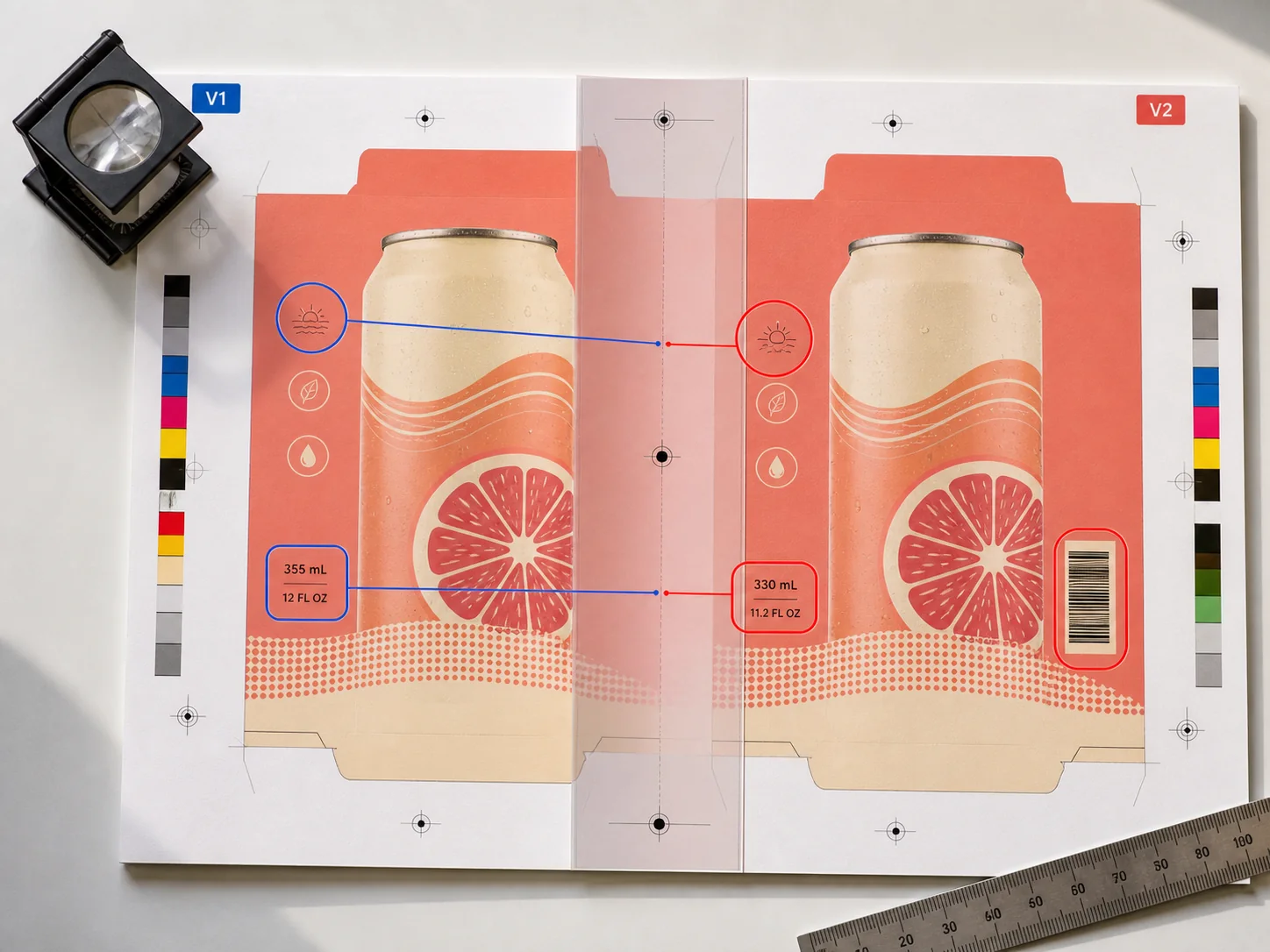 Two versions → visual differences
Find visual differences between a reference file and the version you are about to release.
Provide: two files → Get: on-screen differences
Compare versions ↗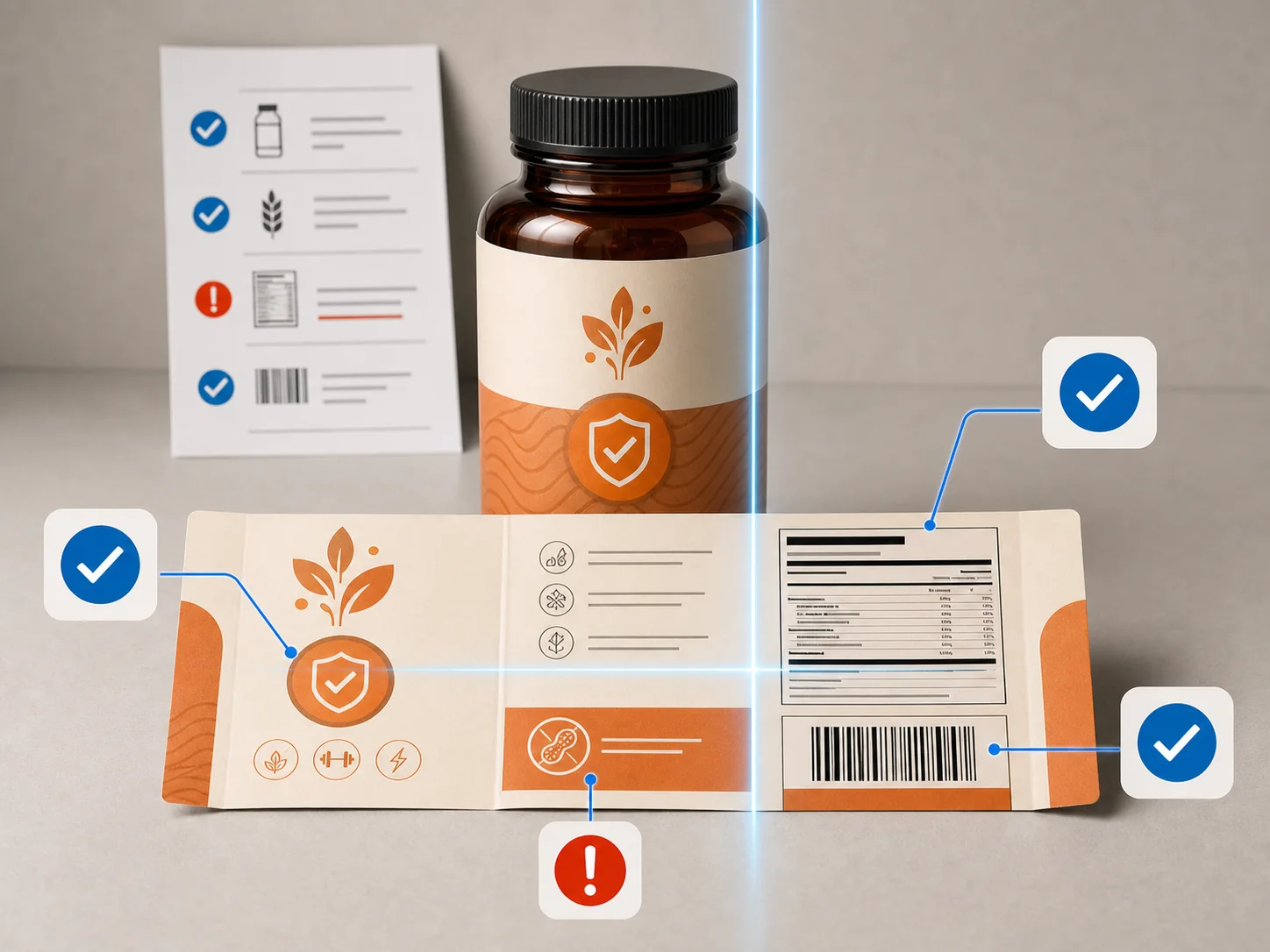 Packaging artwork → findings
Scan packaging artwork for potential label and market-rule problems your team should verify.
Provide: artwork → Get: findings to verify
Check artwork ↗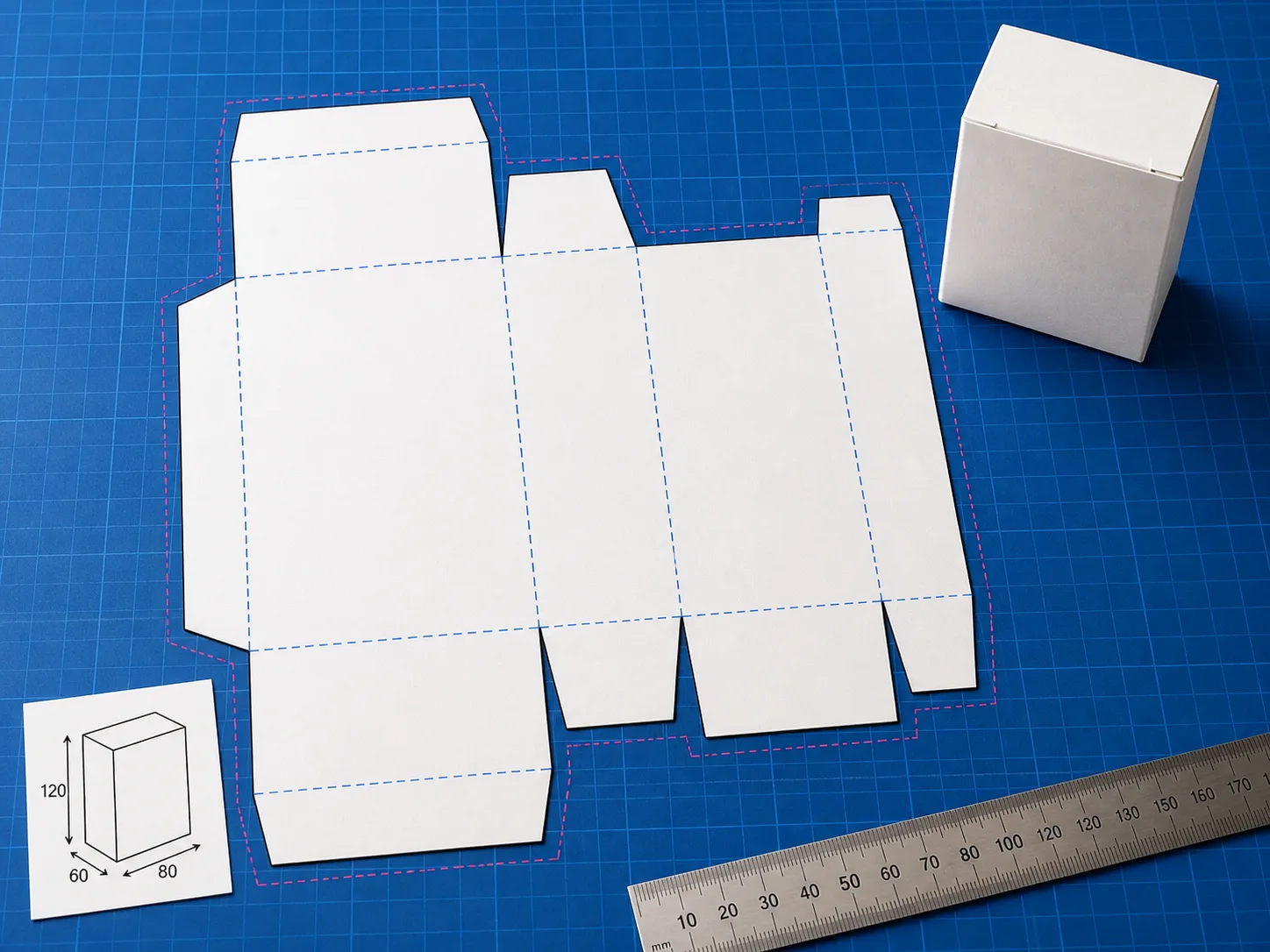 Dimensions → cut & fold template
Generate a print-ready dieline for a tuck-end carton, label or hang tag — with cut, fold, bleed and safe layers.
Provide: box dimensions → Get: a cut & fold template
Create a dieline ↗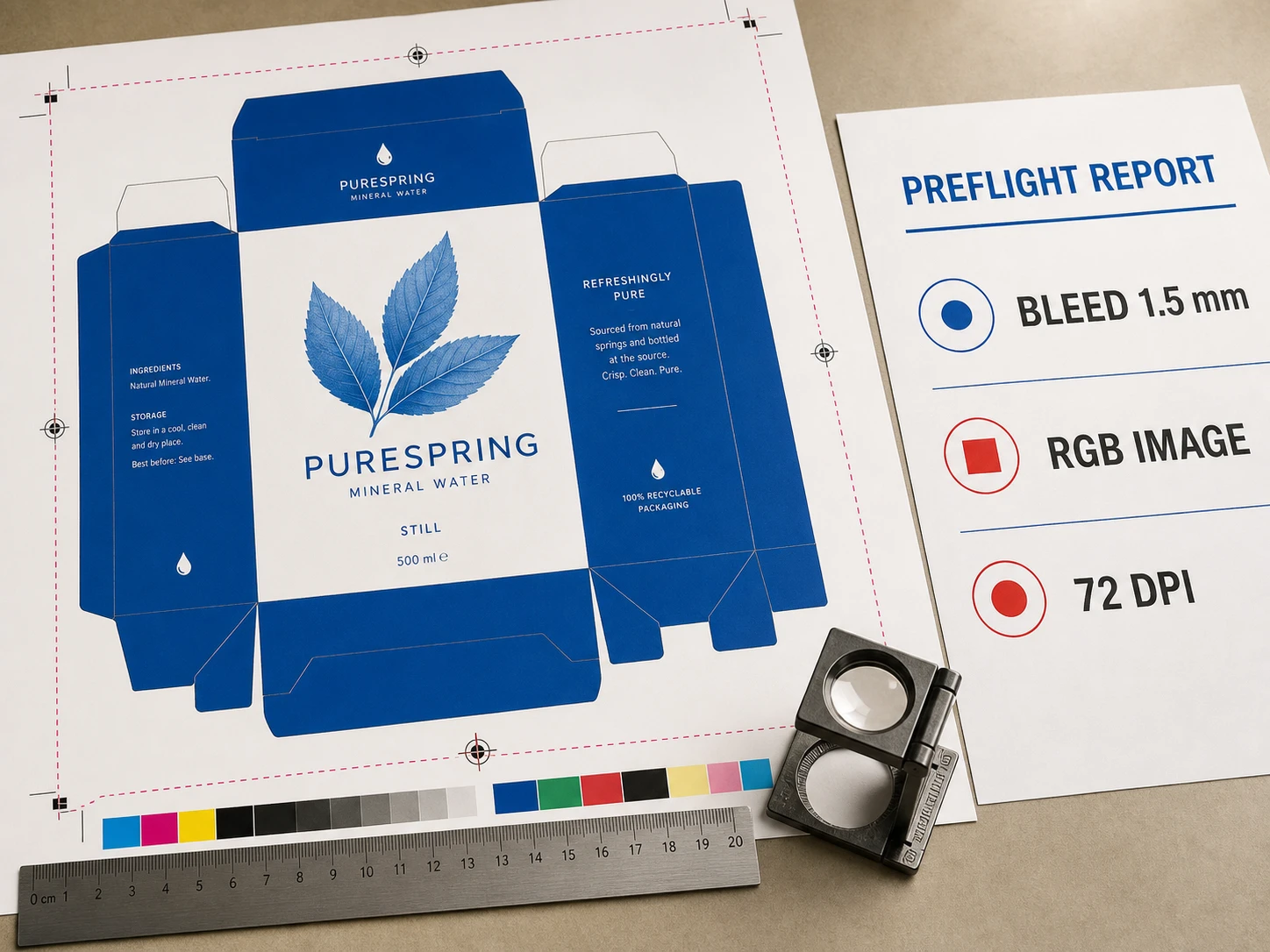 Production PDF → preflight report
Run focused print-production checks before the file reaches a printer or converter.
Provide: a PDF → Get: a technical report
Check a print PDF ↗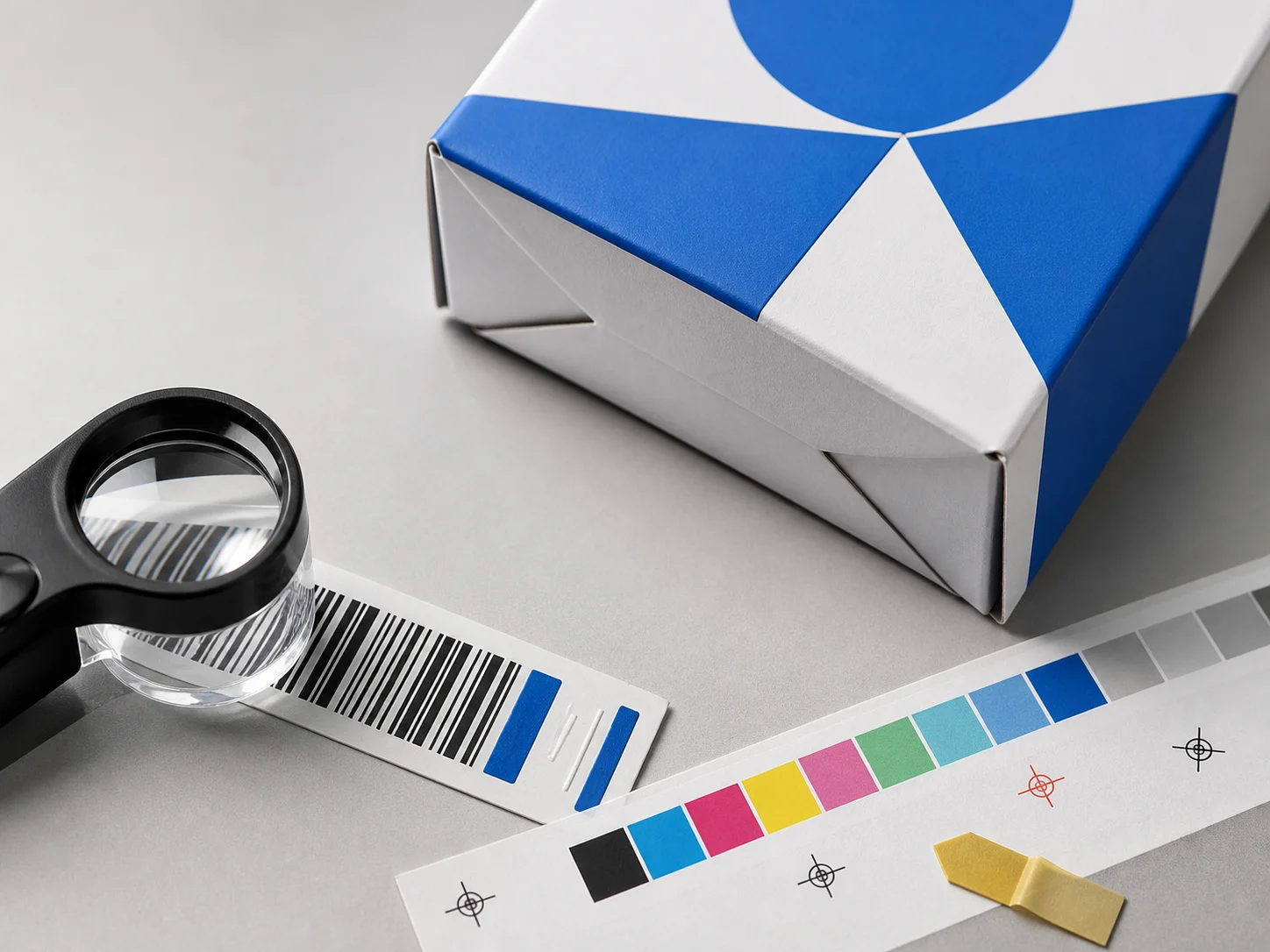 UPC / EAN data → barcode
Create a barcode graphic and check the basic setup before placing it on pack.
Provide: UPC / EAN data → Get: barcode output
Create a barcode ↗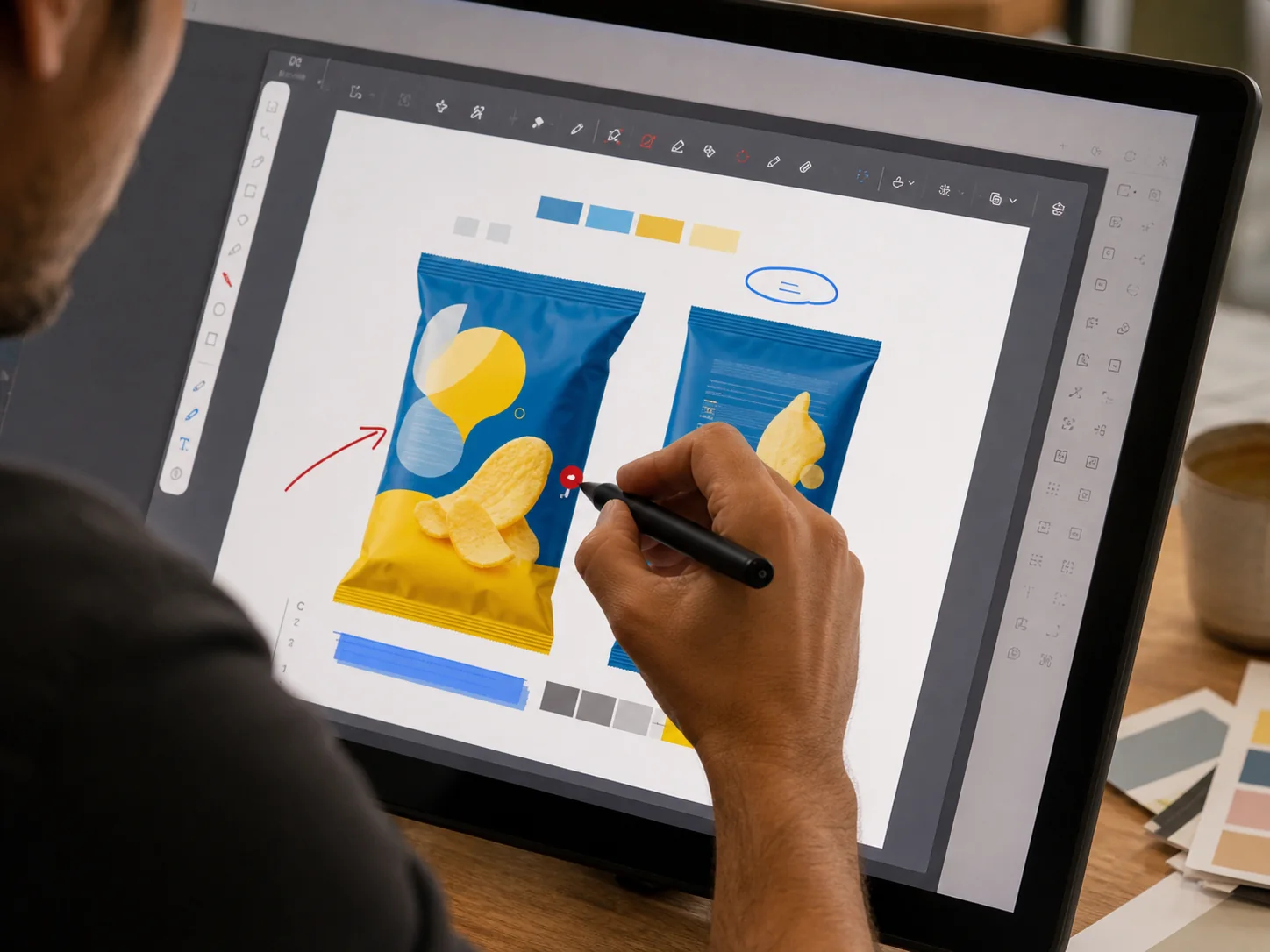 PDF → clear annotations
Mark up a PDF in the browser when you need to explain a correction clearly.
Provide: a PDF → Get: an annotated file
Annotate a PDF ↗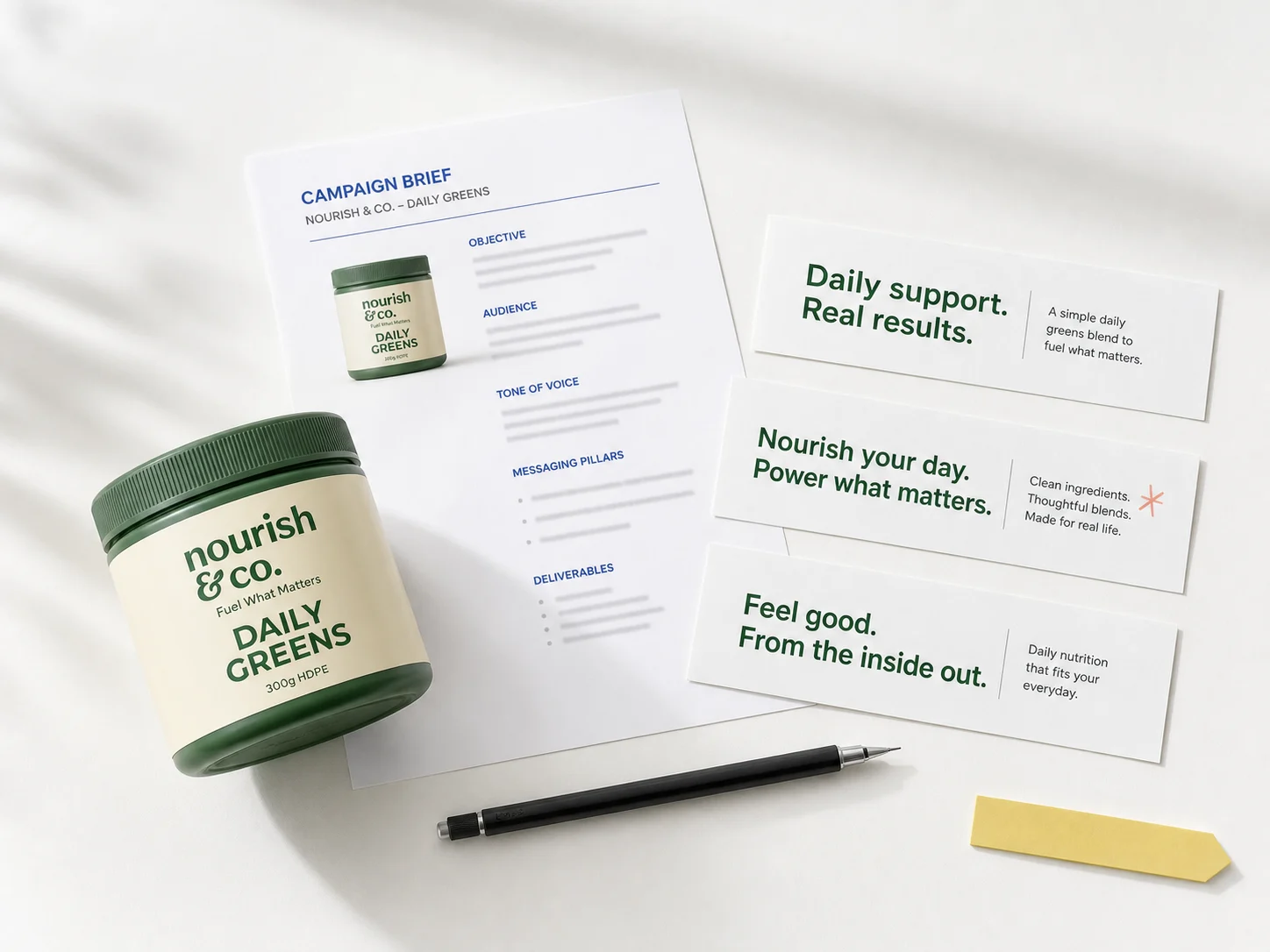 Campaign brief → draft copy
Draft product and campaign copy from a short brief, then shape it with your team.
Provide: a brief → Get: an editable first draft
Draft sales copy ↗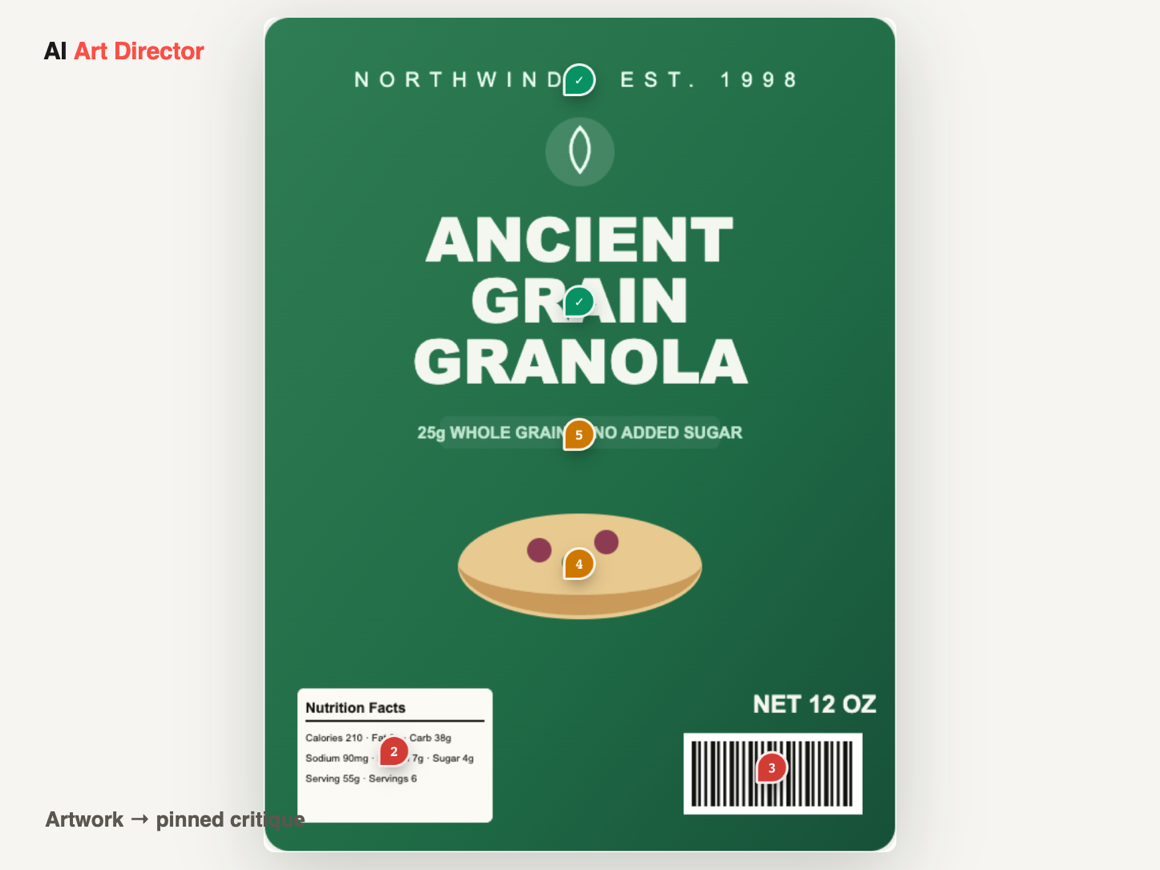 Artwork → pinned critique
Get an instant expert design review of a label, carton or ad — critique pinned on the artwork with a shelf-impact score.
Provide: artwork → Get: pinned critique + score
Review my artwork ↗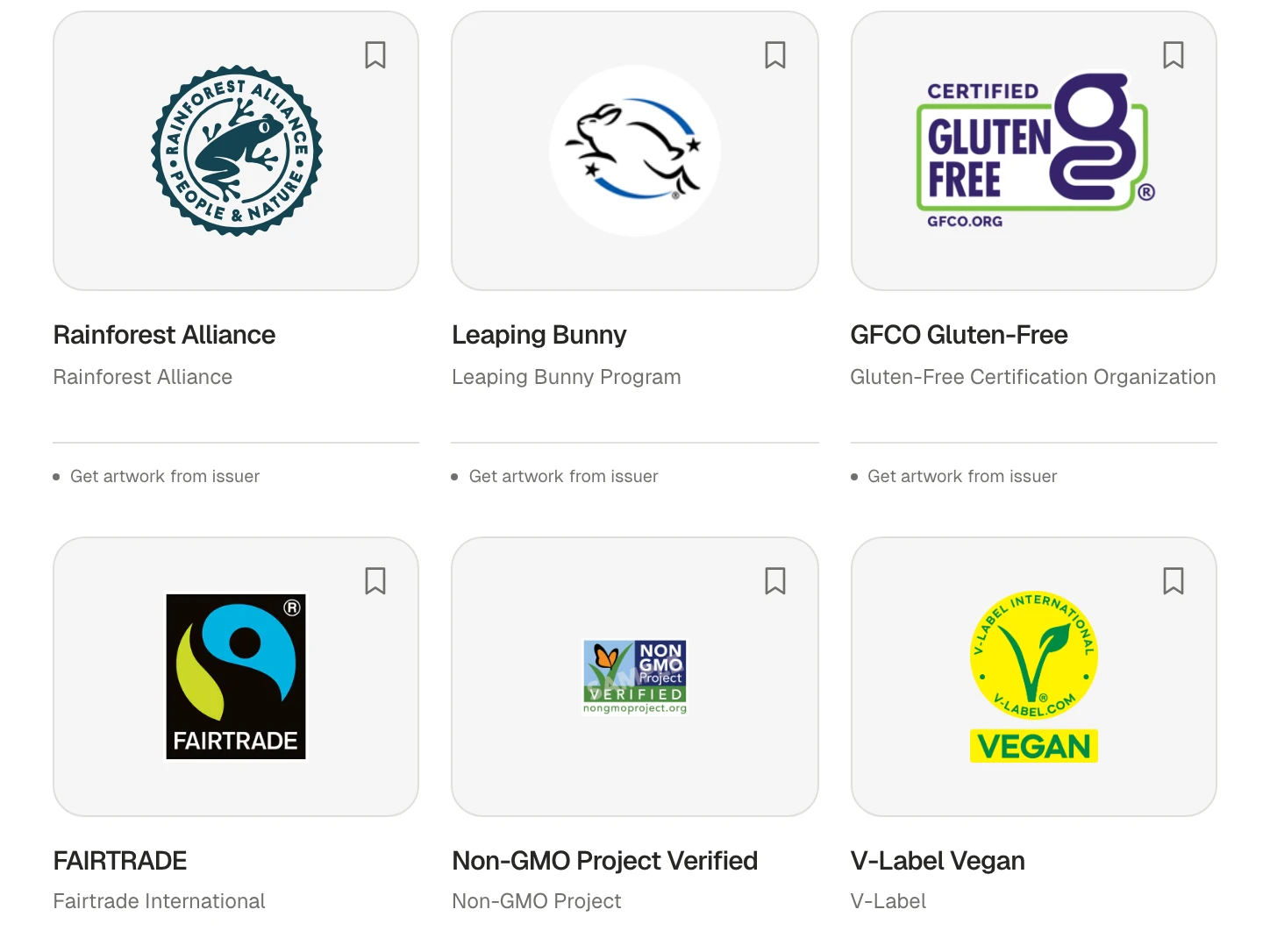 Mark → meaning + official artwork
Look up what a mark on pack means, which variant is correct, and where its official artwork comes from.
Provide: a mark or a description → Get: meaning + official source
Find a mark ↗From fast-growing CPG brands to global manufacturers, packaging and creative teams rely on GoVisually to review artwork, catch errors and approve faster — including Bachan's, NutraBio, Swift and PPA.
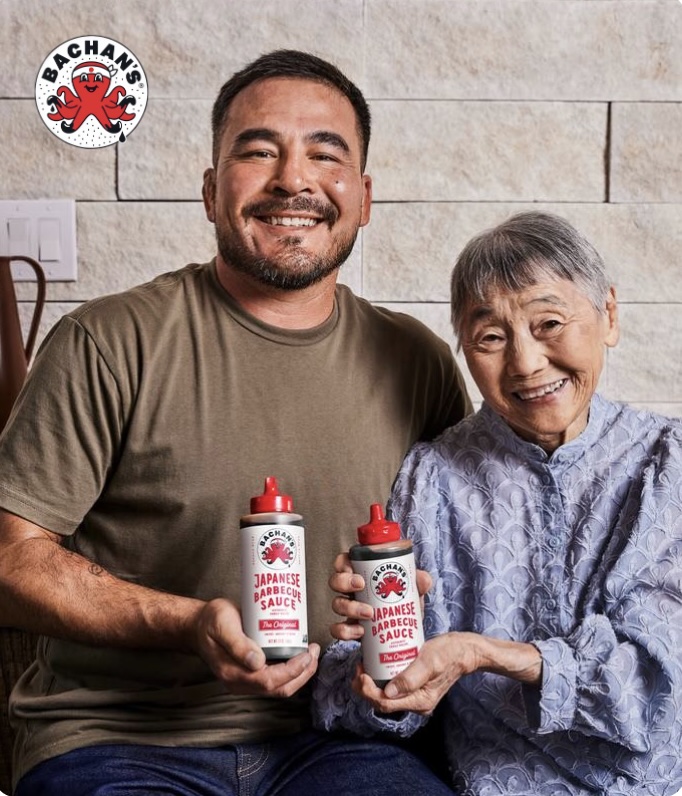
“Scaled packaging approvals without slowing the team down.”
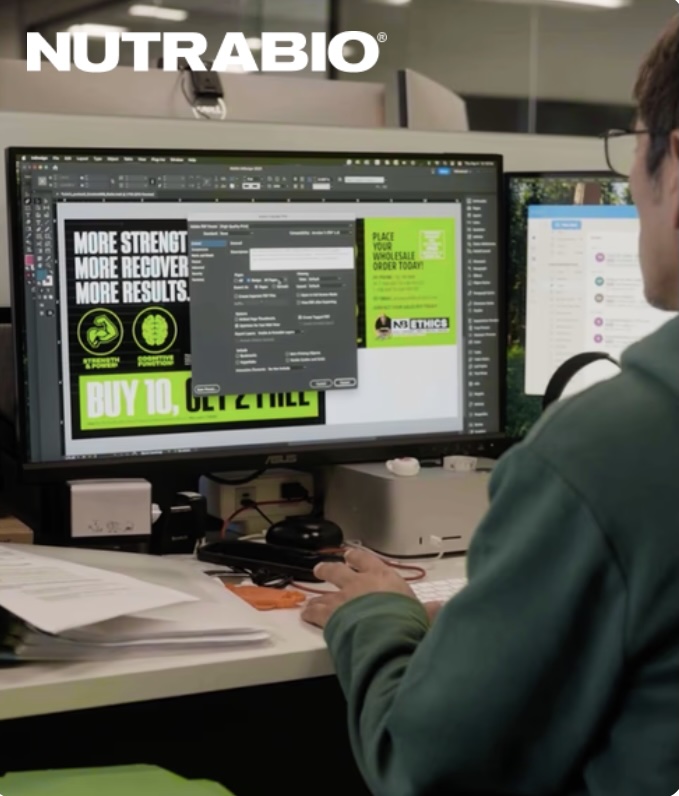
“Cut label approvals by 80% — 6 weeks to 3 days — with GoVisually AI.”
“From physical photos to 500+ digital designs in GoVisually.”
“Runs the USA's largest photo conference & 1,000+ designs a year.”



You do not need every tool for every file. This is the full path when a package moves from product information to team approval.
Shape the label or copy from product information.
Surface potential compliance questions for a human call.
Check the PDF and barcode before production.
See what changed between the reference and latest file.
Mark corrections where everyone can understand them.
Move the file into GoVisually for owners, versions and evidence.
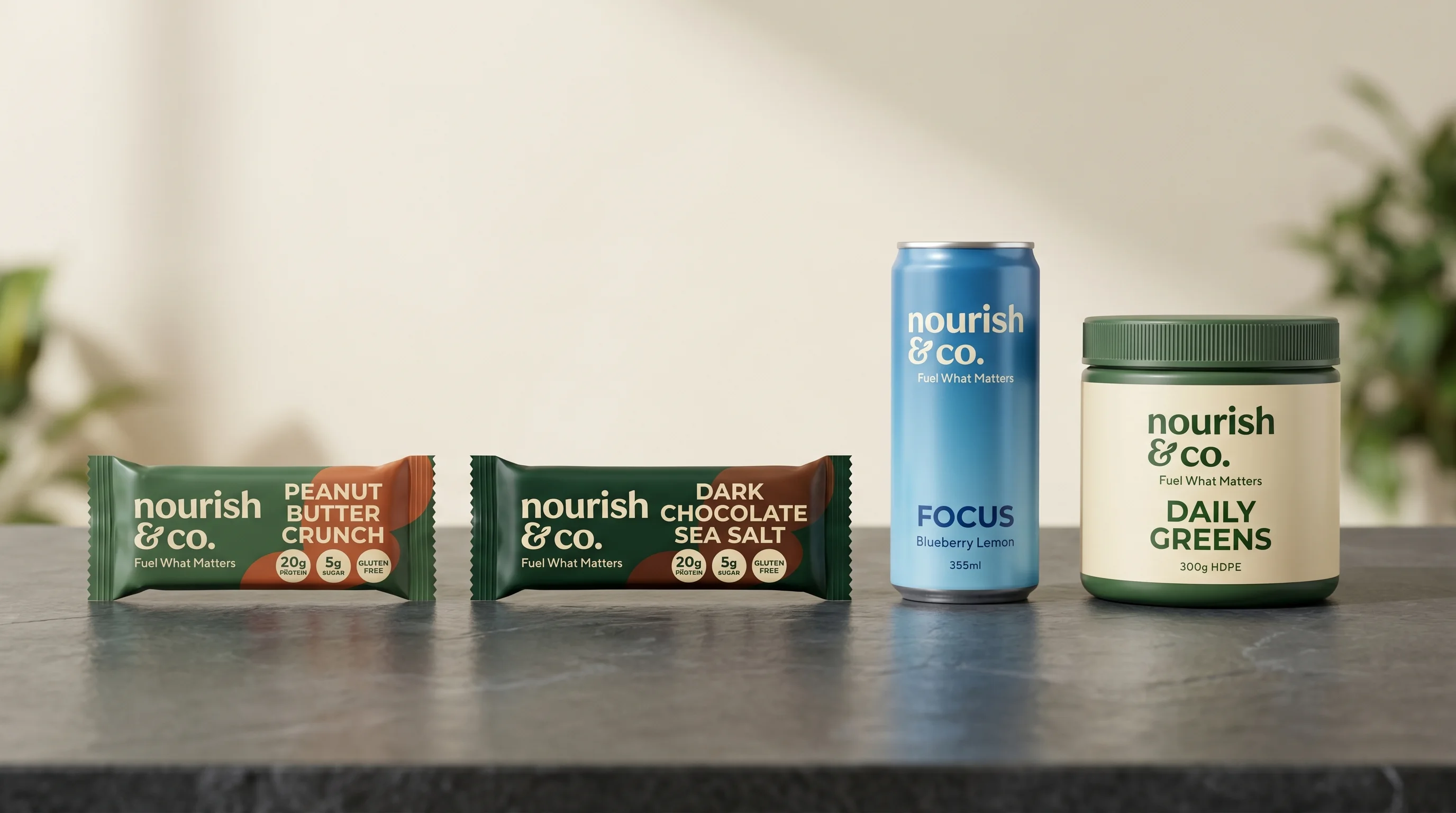
Start with the result you need. Every tool is free to start; some downloads ask you to verify a work email.
| Tool | Best when you need to… | Provide | Get | Useful details |
|---|---|---|---|---|
| CreateFree Nutrition Label Maker ↗ | Creating a market-specific nutrition panel | product data | a label preview | FDA, EU, Canada, UK, FSANZ and GCC formats |
| CreateFree Product Label Maker ↗ | Turning a product brief into an editable label | product details | a label layout + brief | 2D editing, 3D preview and PNG, JPEG or PDF export |
| CompareFree Print Proof Checker ↗ | Finding changes between artwork versions | two files | on-screen differences | Side-by-side visual and translation checks |
| CheckFree AI Compliance Checker ↗ | Running a first pass on label requirements | artwork | findings to verify | Food, supplement and cosmetic artwork |
| CreateFree Dieline Generator ↗ | Creating a packaging cut-and-fold template | box dimensions | a cut & fold template | 19 structures with SVG, PDF, DXF and PNG export |
| CheckFree PDF Pre-Flight Checker ↗ | Checking whether a production PDF is print-ready | a PDF | a technical report | 14 checks including CMYK, bleed, DPI, fonts and PDF/X |
| CreateFree Barcode Generator ↗ | Creating and checking a retail barcode | UPC / EAN data | barcode output | UPC-A, EAN-13, EAN-8 and GS1 QR formats |
| ReviewFree PDF Annotator ↗ | Explaining corrections directly on a PDF | a PDF | an annotated file | Comments, highlights, arrows and drawings |
| WriteFree Sales Copywriter ↗ | Getting a first draft from a campaign brief | a brief | an editable first draft | Product and campaign copy |
| ReviewFree AI Art Director ↗ | Getting a first-pass critique of packaging artwork | artwork | pinned critique + score | Pinned feedback and a shelf-impact score |
| CheckFree Packaging Logos & Symbols ↗ | Identifying a mark and sourcing its official artwork | a mark or a description | meaning + official source | 324 logo and symbol guides, plus a global regulator directory |
Open the tool and work on the packaging job in front of you.
Use the labels, copy and exports you create on your real products.
AI findings support review; they are not regulatory sign-off.
They run on the same engine that powers GoVisually, the online proofing platform used by 1,200+ packaging and creative teams. Each tool solves one focused job. GoVisually manages the complete review, version and approval record when the work becomes collaborative.
It is an indicative annual comparison using current entry-level pricing for separate nutrition-label, PDF, dieline, barcode and copywriting software. We assign no dollar value to the AI compliance checker because it supports a first-pass review; it does not replace professional regulatory advice.
When comments and file versions are spread across different tools, people can review the wrong PDF, miss a required change or lose track of who approved what. GoVisually puts the file, feedback, version history and final approval in one place.
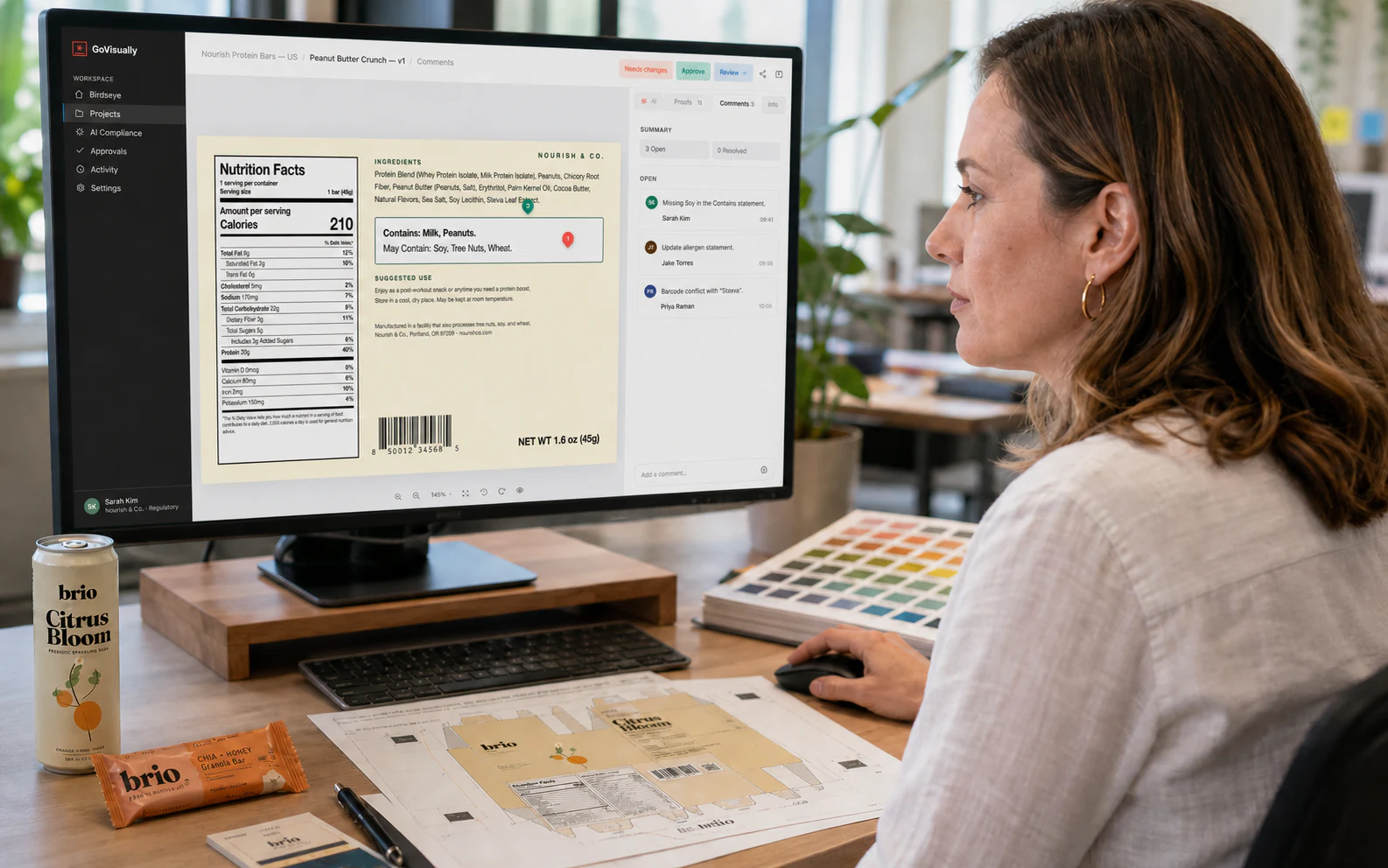
Upload the file, collect comments, compare versions and record approval without email chains or separate PDF markups.
Explore GoVisually Pro ↗Scan every label for claims, allergens, nutrition facts, barcodes, print problems and market rules. Your team reviews the findings and makes the final decision.
See AI Compliance ↗Everything you need to know about the free tools and how they relate to GoVisually.
Use Product Label Maker for an editable label layout, Nutrition Label Maker for a market-specific nutrition panel, Dieline Generator for a cut-and-fold template, and Barcode Generator for a retail barcode. Use PDF Pre-Flight Checker for print setup, Print Proof Checker for version changes, PDF Annotator for corrections, AI Compliance Checker for potential label issues, AI Art Director for a first-pass design critique, and Sales Copywriter for draft product or campaign copy.
Check the production PDF against your printer's specifications, compare it with the approved version, review label content and market requirements, and confirm every correction has been resolved. The free preflight, proof-comparison and compliance tools help with these separate checks.
Yes. Every tool is free to start and no credit card is required. Some tools ask you to verify a work email before downloading or exporting a result; this does not create a GoVisually account.
No. You do not need a GoVisually account to start any tool. Some tools ask for work-email verification at export. An account is only needed if you choose to manage complete proofing and approval workflows inside GoVisually.
Each tool handles uploads independently and processes them to produce the result you request. Check the individual tool's privacy information before uploading confidential or regulated material.
You can use the output in your work, provided you have the necessary rights to the source content. You remain responsible for checking the final artwork, copy and regulatory requirements before release.
No. The tools help you find issues earlier, but they don't replace printer specifications, qualified regulatory advice or your team's final review and approval.
Formats vary by tool. Product Label Maker exports PNG, JPEG and PDF, while Dieline Generator exports SVG, PDF, DXF and PNG. The PDF tools accept PDFs, and each tool lists its supported inputs and outputs before you begin.
Each free tool completes one task. GoVisually Pro keeps the packaging file, comments, versions and final approval together. GoVisually AI Compliance scans labels for claims, allergens, nutrition facts, barcodes, print problems and market rules. Your team reviews the findings and makes the final decision.
Start with GoVisually Pro to collect feedback, compare versions and record approvals. Add AI Compliance to check label claims, allergens, nutrition facts, barcodes and market rules before sign-off.