Free food and supplement label maker
Paste your notes, an email or a spec sheet. Loading the label maker…
Paste your notes, an email or a spec sheet. Loading the label maker…
Made by the team behind GoVisually.
What you get
Everything below comes from the text you paste. These loops use real results from the Label Maker.
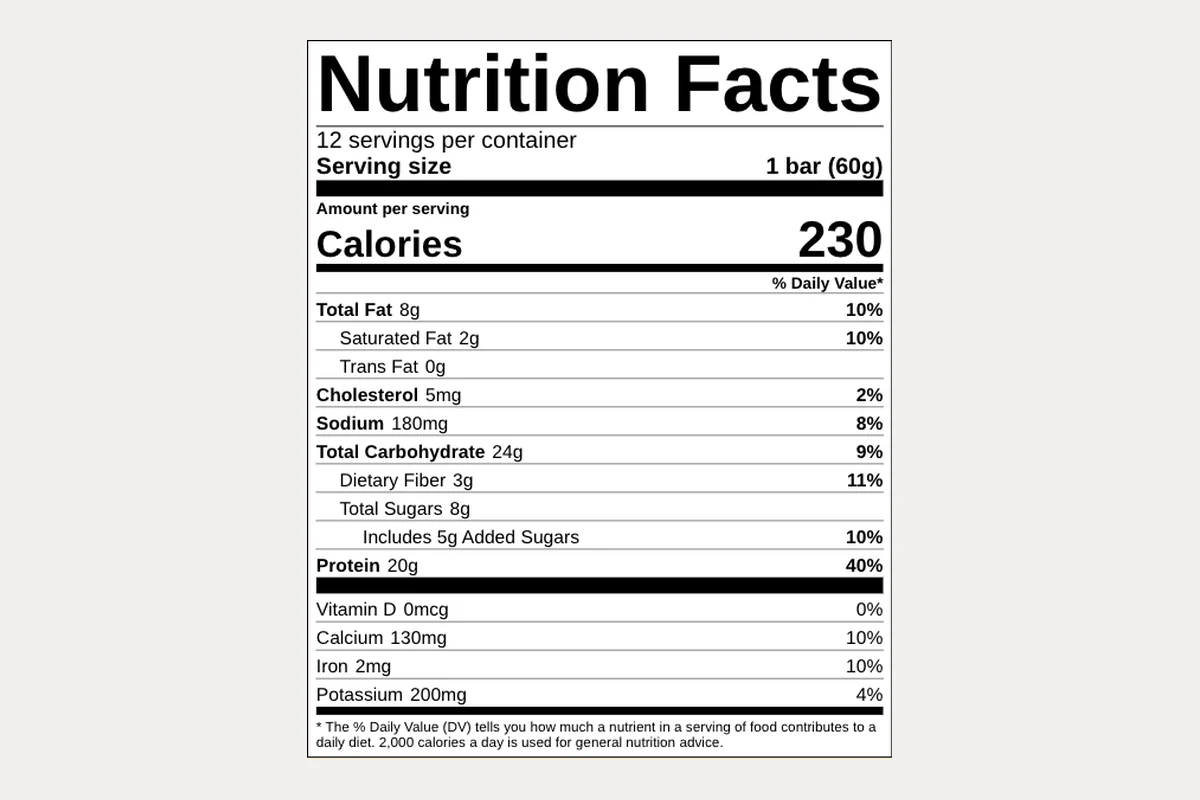
Your text becomes a label for your pack, with a Nutrition Facts or Supplement Facts table in FDA format that fits its space.
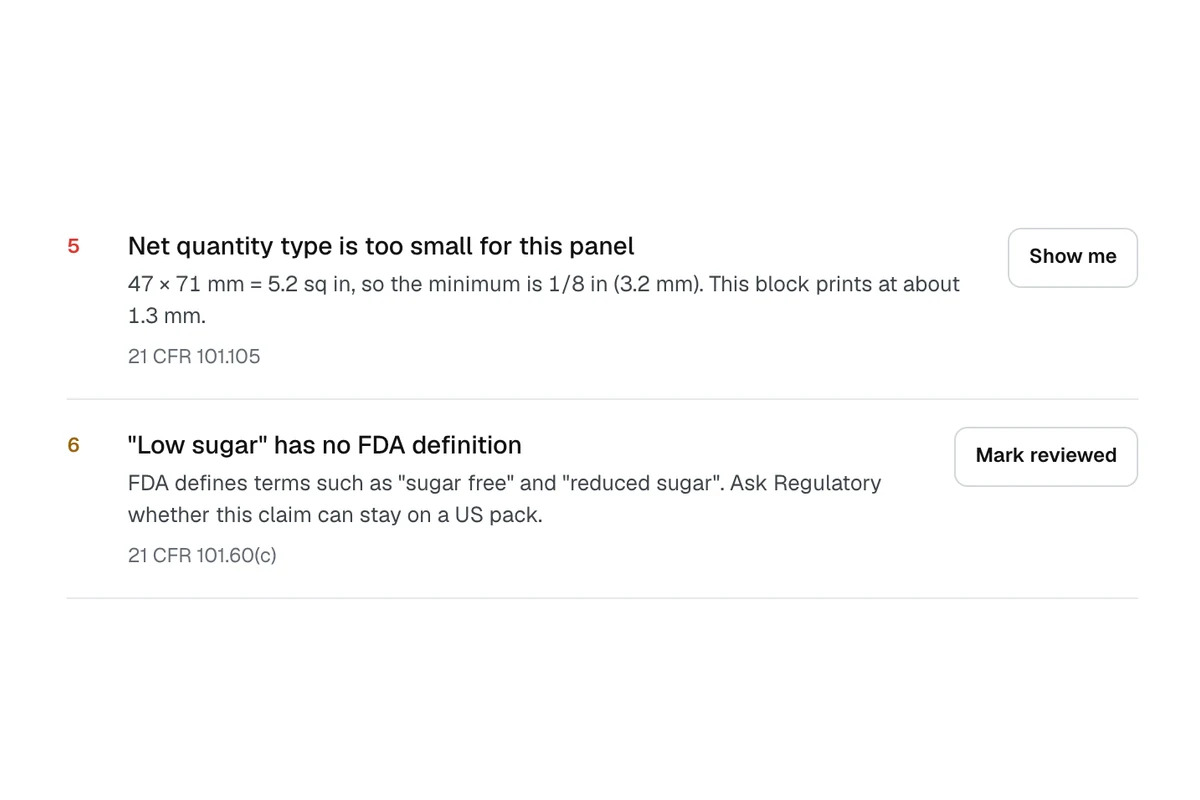
Checked against US food, US supplement and EU cosmetic label rules. Every missing detail is listed, along with barcodes that will not scan.
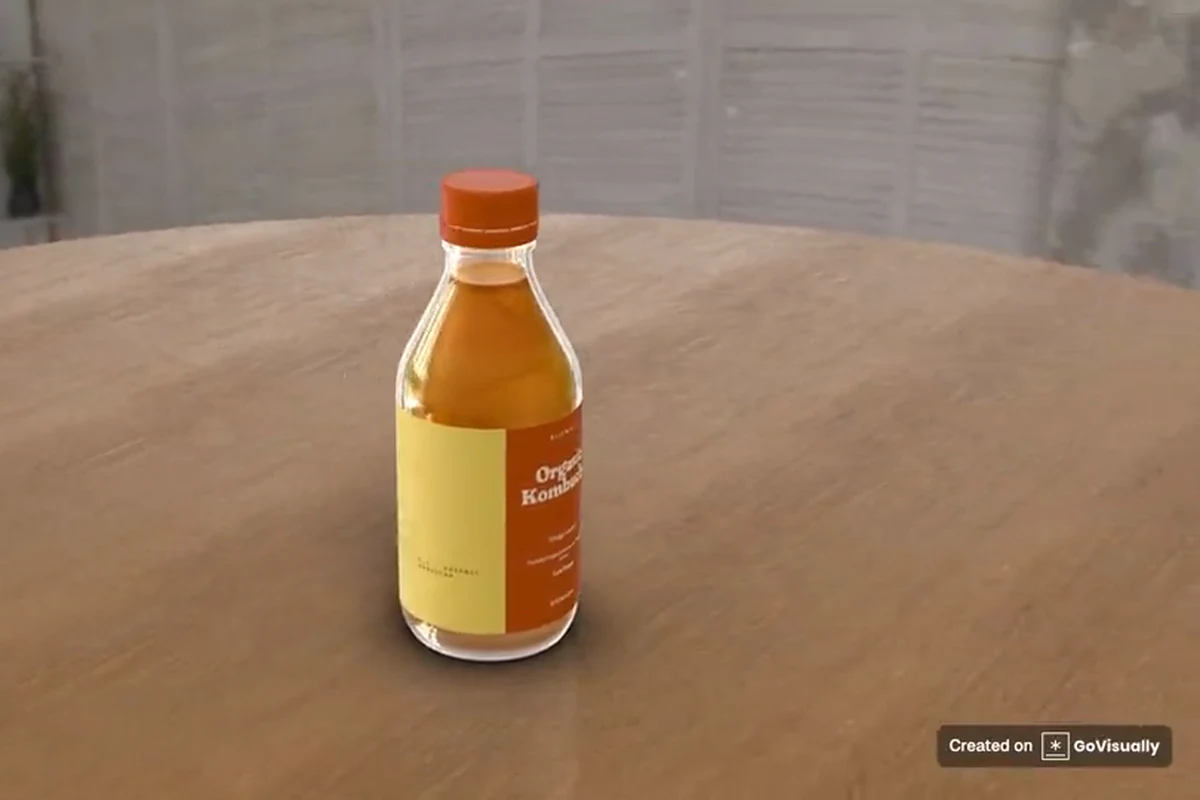
See your label on 11 pack formats in real-looking scenes, then save a video of it to show your team or client.
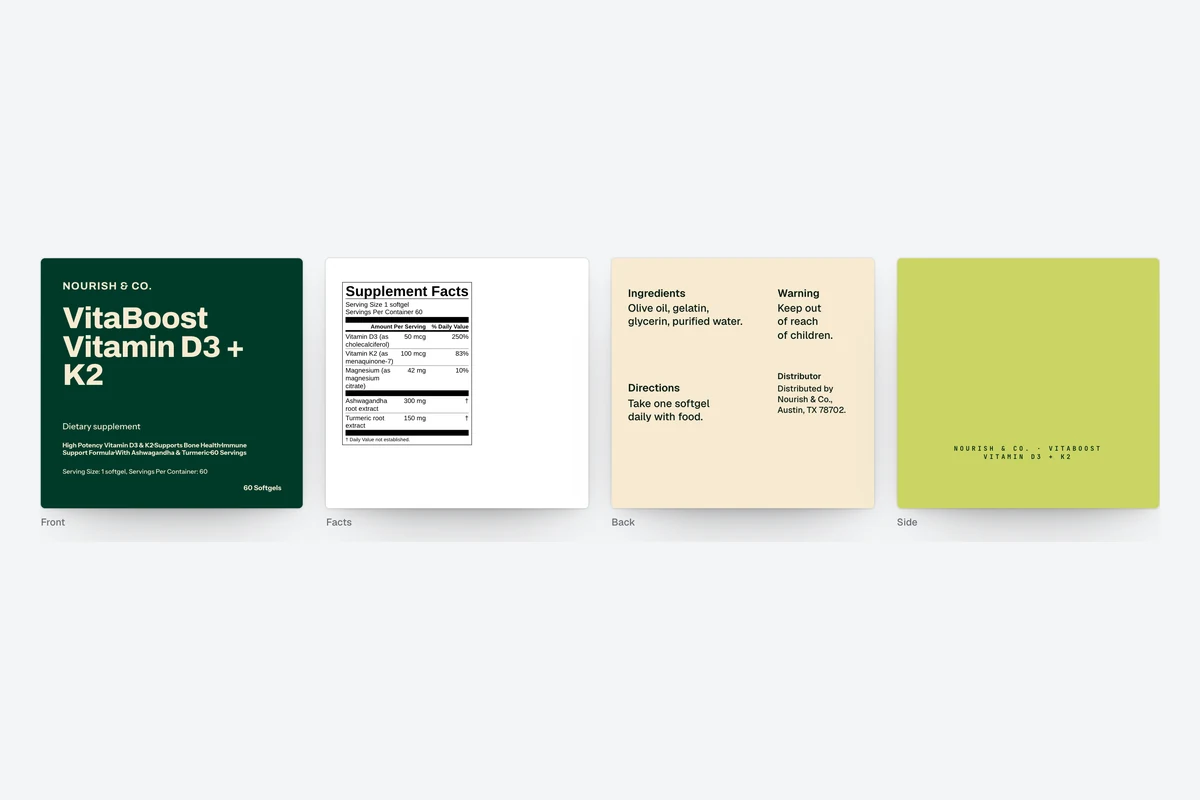
View all panels together and save them as one image. The PDF brief gives your designer every value with its owner and source.
A familiar kind of busy
Label details live with Brand, Regulatory, QA and Operations. So your designer gets a thread, and the questions start.
Every value shows where it came from in what you pasted, so you can settle it once.
Missing details are listed with who usually holds them, so you know who to ask.
Claims that need a second look are flagged with the rule, ready to take to Regulatory.
See it in 3D and share a video, before anyone has opened a design file.
How it works
The tool reads brand, product, quantities, facts, claims and warnings, and says where it found each one.
Required details your text did not carry are listed one at a time, with suggestions built from what you entered.
Move and edit blocks on each panel, then see the label on a 3D pack.
Catch missing details, type that prints too small and claims that need evidence. Then download the brief, label, image or video.
Questions
A US packaged food label needs a statement of identity (21 CFR 101.3), net quantity of contents (21 CFR 101.105), a Nutrition Facts panel (21 CFR 101.9), an ingredient list in descending order by weight (21 CFR 101.4), any major allergens, and the name and place of business of the manufacturer, packer or distributor (21 CFR 101.5). The Label Maker lists these as required details and shows which ones your text did not cover.
Paste the serving size, servings per container and each dietary ingredient with its amount and % Daily Value. The Label Maker lays them out as a Supplement Facts table following 21 CFR 101.36: ingredients with a Daily Value first, then the others marked with a dagger and the note “Daily Value not established”. It also tells you if the table will print smaller than the rule allows on your pack.
Paste the serving size, servings per container, calories and each nutrient with its amount and % Daily Value, in any order. The Label Maker puts the rows in the required order and sets type at or above the minimums in 21 CFR 101.9(d). It can also work out % Daily Values from your amounts. For formats outside the US, use the GoVisually Nutrition Label Maker.
Not automatically. The Label Maker checks your copy against FDA label rules and flags missing details, type that is too small, barcodes that will not scan and claims that need evidence. Each check names its rule. It does not replace regulatory, QA or prepress review, and a person makes the final call before print.
Straight and reverse tuck cartons, product sleeve, mailer box, supplement tub, bottle, jar, beverage can, stand-up pouch, sachet and cosmetic tube. Each has its own panel proportions and 3D model.
It is free to start and you do not need an account to build, edit, preview or check a label. Downloading a file asks for a verified email. Your work is saved in your browser. Product Hub, part of GoVisually, is the paid upgrade that checks every value against your approved product spec.
Treat it as a designer brief and layout guide, not converter-approved production artwork. The PDF gives a designer every value word for word with its owner and source, the panel layouts, and a handoff checklist.
Your next step